

Client Facing Reporting
Send client-ready campaign reports.
Burt automatically turns validated campaign data into polished, on-brand wrap reports. No copy-paste, no PowerPoint formatting.
HOW IT WORKS
Connect your data.
Set your template. Send the report.
Connect
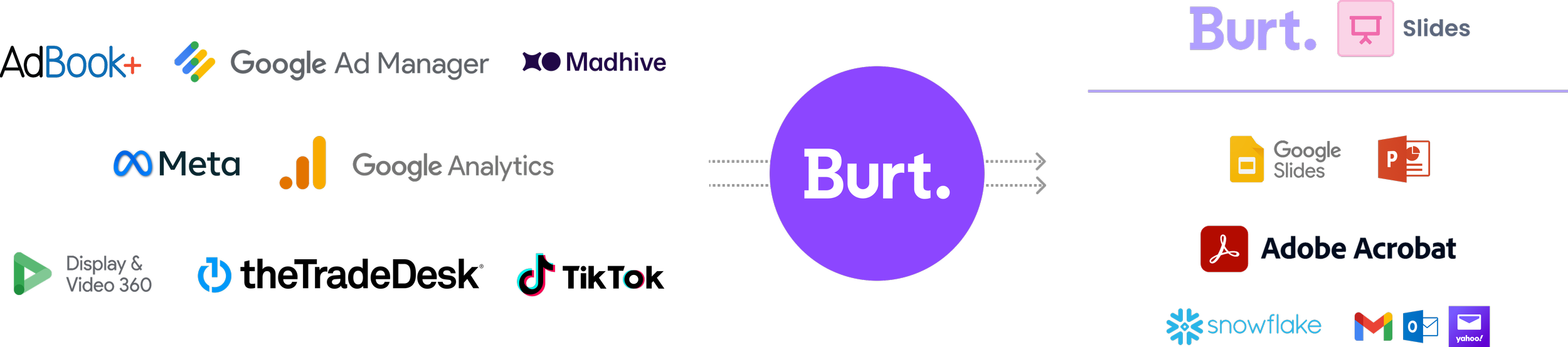
Pull every campaign across ad servers, DSPs, SSPs, and social into one normalized dataset. 200+ sources, automatically reconciled.
Build
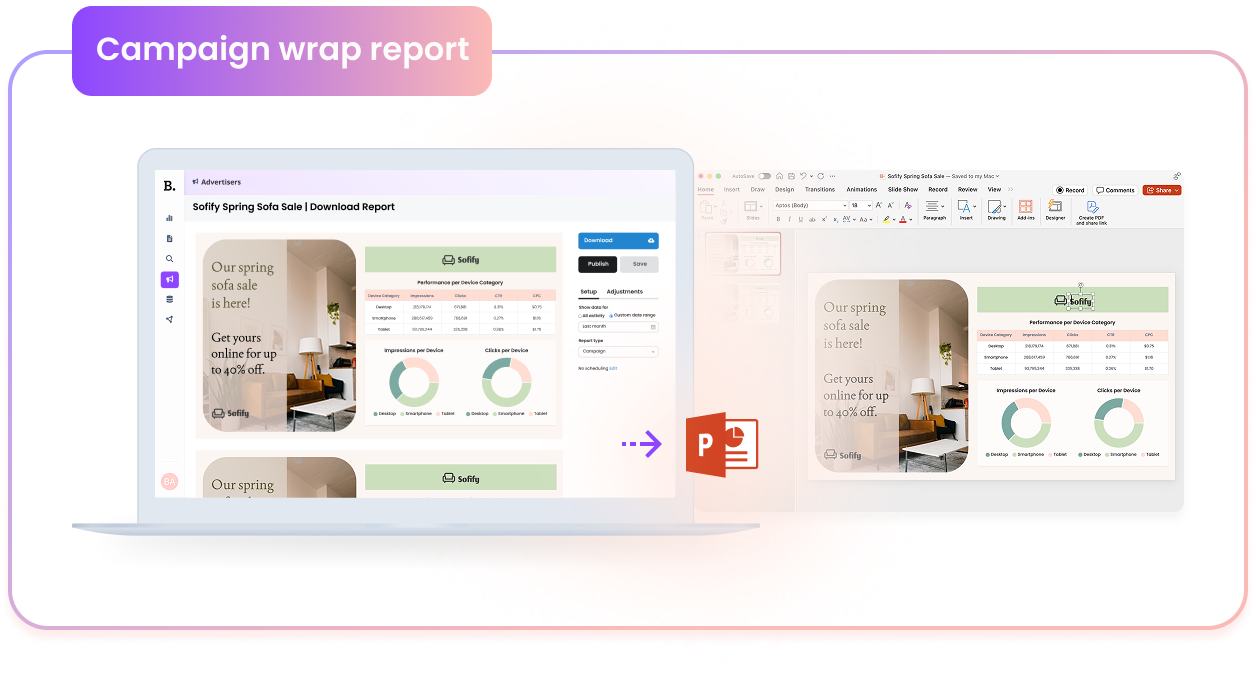
Drop the numbers into branded, reusable templates in Burt. Charts, tables, and commentary update according to flight dates.
Deliver
Export polished reports to PowerPoint, PDF, or a public link. Schedule end-of-month deliveries so clients always get them on time.
Seamlessly connect to 200+ advertising and media data sources
BEFORE AND AFTER
The manual way
✖️ Stitch exports from a dozen platforms by hand
✖️ Reconcile numbers that never quite match
✖️ Rebuild the same slides every single month
✖️ Spend the work week reformatting in PowerPoint
✖️ Hope nobody spots the 2% that is off

Still building client reports manually?
The Burt way
✔️ Every data source unified into one source of truth
✔️ Numbers are validated before they reach a client
✔️ Modern and polished templates
✔️ One-click export to any client-ready format
✔️ Scheduled delivery — reports sent on time
THE OUTPUT
Reports clients
actually want to open
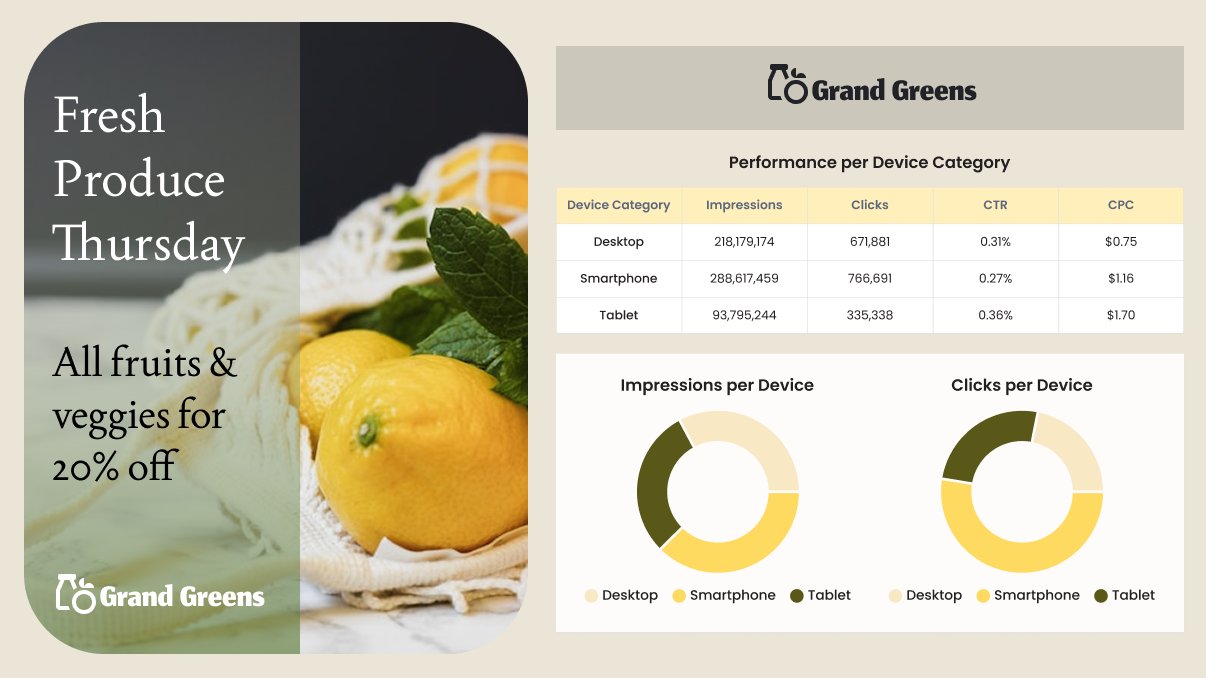
Deliver campaign performance reports that combine spend, impressions, eCPM, partner breakdowns, and pacing values laid out cleanly, on your brand, ready to present. The same data your team trusts internally, packaged for the people paying the invoices.
Request Demo
Reach out today to hear about Burt’s Client Facing solution.
Frequently Asked Questions
-
Client-facing reporting is the process of delivering standardized campaign performance reports to advertisers and agencies. These reports are typically generated at the end of a campaign or reporting period and present validated data in a clear, consistent format, often as part of post-campaign analysis (PCA).
-
Reports are delivered to advertisers through shareable dashboards, scheduled reports, or presentation-ready outputs. This includes live reporting views for ongoing performance tracking as well as formatted reports for end-of-campaign summaries.
-
Automated client-facing reporting streamlines the creation and delivery of advertiser or agency reports by eliminating manual data extraction and formatting. It enables teams to generate consistent templatized reports at scale, schedule delivery, and ensure data is always up to date.
-
Client-facing reporting is the final step in the campaign reporting workflow. Forecasting predicts delivery before campaigns run, direct reporting validates actual performance, and client-facing reporting delivers that performance to advertisers in a clear, consistent, and presentation-ready format.